Blog, News, & Resources
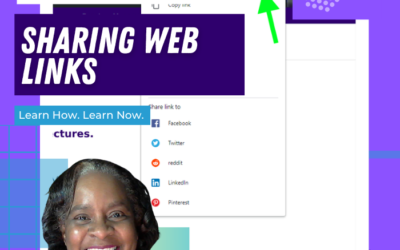
Google Chrome: Sharing Web Pages
You're browsing the web and you find an interesting article. Now you can share it directly from your Google Chrome web browser. No need to copy and paste the URL into an email message. You can even share the web page as a QR code! This will work on Chromebooks,...
UPDATE: Reopen Your Last Closed Tab Using Google Chrome
***UPDATE*** Google Chrome has another convenient way to help you easily reopen your last closed tab. Give it a try! Right-click on any open area of your Google Chrome web browser header.Select Reopen Closed Tab. Reopen Closed Tab Screenshot In case you missed the...
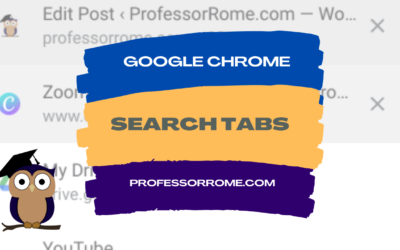
Google Chrome: Search Tabs
Do you have several tabs open in your Google Chrome web browser? You can use the Search Tab feature to find your tabs faster. Search Tabs Using Search Tabs Icon Click on the Search Tabs icon located in the upper right corner of your Chrome web browser.Select one of...
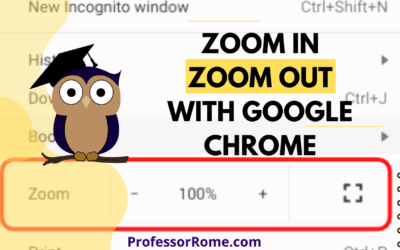
Google Chrome: Zoom In, Zoom Out
Are you having a hard time seeing the text on the Google Chrome web browser? Are you presenting information from a website on Google Meet or another video conferencing app and your participants can't see the page? Make the text larger on the screen by using the...
Google Chrome: Reopen Your Last Closed Tab
You're hurrying to move on to your next task and you accidentally closed a Google Chrome tab that you really needed. Darn it! All is lost. Or is it? No worries. You can quickly and easily reopen the tab you accidentally closed. Keyboard Shortcut: CTRL + SHIFT + T...
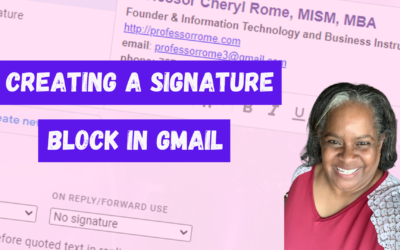
Creating a Signature Block in Gmail
Give your email messages a professional touch by adding a signature block to the bottom of every message. A professional signature block is perfect for show casing your brand and providing contact information. Create a Signature Block Log into your Google account.Open...

Who and What is ProfessorRome.com
Who and What is ProfessorRome.com? ProfessorRome.com offers Live Virtual Lectures and Training Seminars given by a highly qualified educator. The Live Lectures and training seminars are based on the Google productivity suite of cloud-based software. All of our classes...

Step into Professor Rome’s Reading Room—your gateway to digital treasures! Explore ebooks that inspire, educate, and empower, all crafted with care to fuel your success. From study hacks to digital skills, there’s a read for every learner. Browse, download, and level up! 📚✨