by Professor Rome | Oct 12, 2022
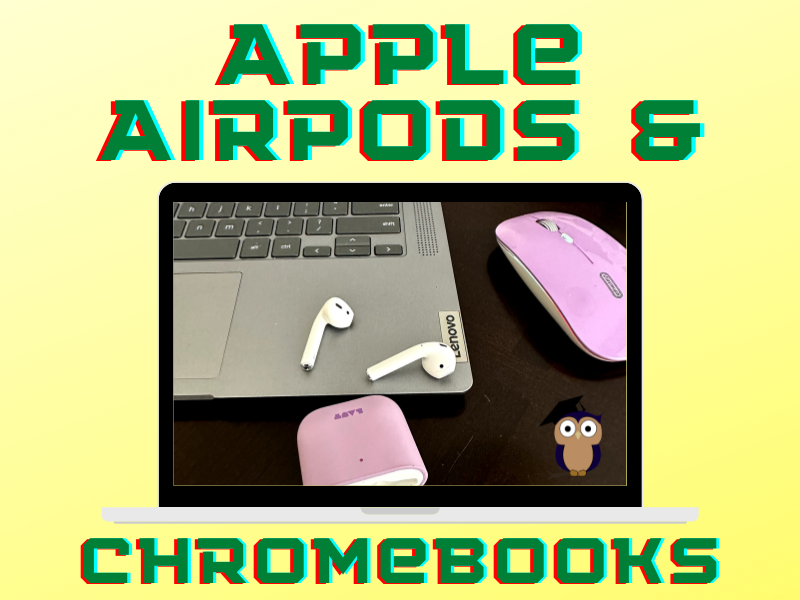
Use your Apple AirPods with your Chromebook to listen to your favorite podcast or music, or connect to a Google Meet or Zoom meeting. Pair your Apple AirPods with your Chromebook in 5 easy steps! Tap or Click Quick SettingsTap or click Settings Steps 1 & 2: Access...
by Professor Rome | Mar 28, 2022
It’s 9:30 am and you settled down to your desk with your computer, your favorite morning pick-me-up, and a major project that is due today by the close of business. Notifications are popping up on your phone Notifications are popping up on your computer screen...
by Professor Rome | Mar 25, 2022
There are times when you will need to watermark your document. No, creating a watermark is not when you set your favorite icy cold beverage on a stack of your important papers, and a nice, moist ring forms on the top 3 sheets. Watermarks are text or images that appear...
by Professor Rome | Feb 4, 2022
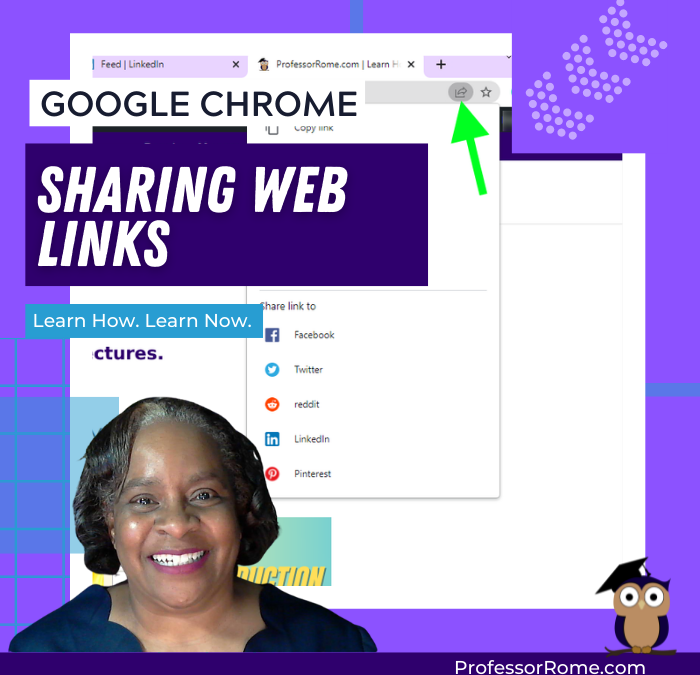
You’re browsing the web and you find an interesting article. Now you can share it directly from your Google Chrome web browser. No need to copy and paste the URL into an email message. You can even share the web page as a QR code! This will work on Chromebooks,...
by Professor Rome | Feb 4, 2022
***UPDATE*** Google Chrome has another convenient way to help you easily reopen your last closed tab. Give it a try! Right-click on any open area of your Google Chrome web browser header.Select Reopen Closed Tab. Reopen Closed Tab Screenshot In case you missed the...
by Professor Rome | Feb 1, 2022
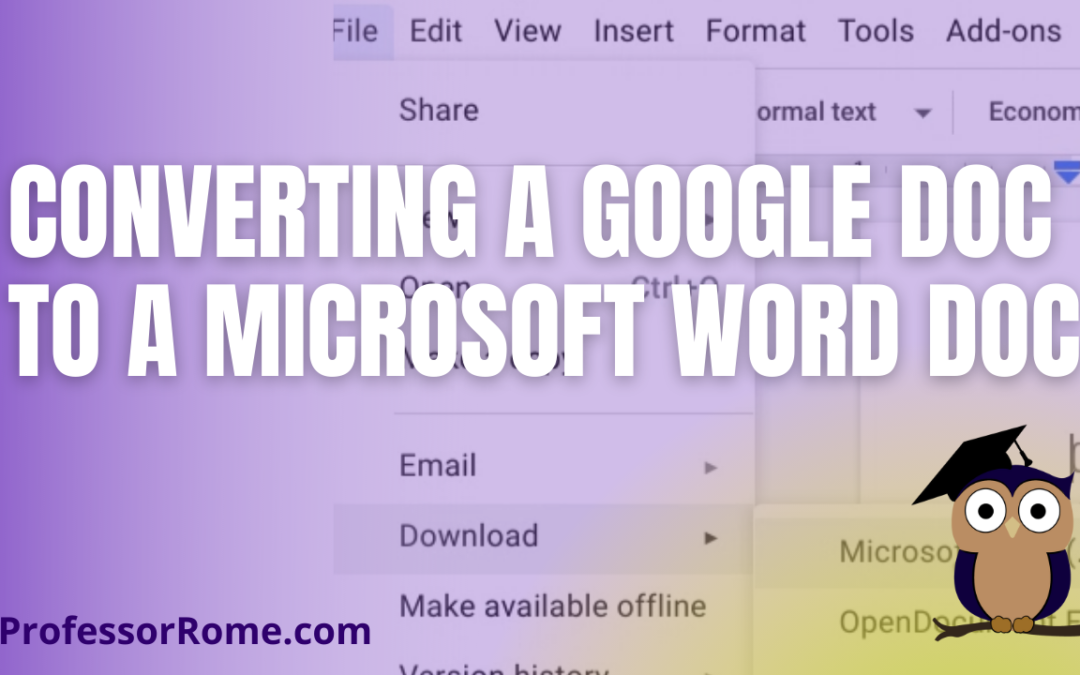
You’re using Google Docs to create newsletters, reports, proposals, meeting notes, brochures, lesson plans, or agendas. There may be a time when you will need to convert these Google Doc documents to Microsoft Word documents. With your Google Doc document open:...