by Professor Rome | Jan 27, 2022
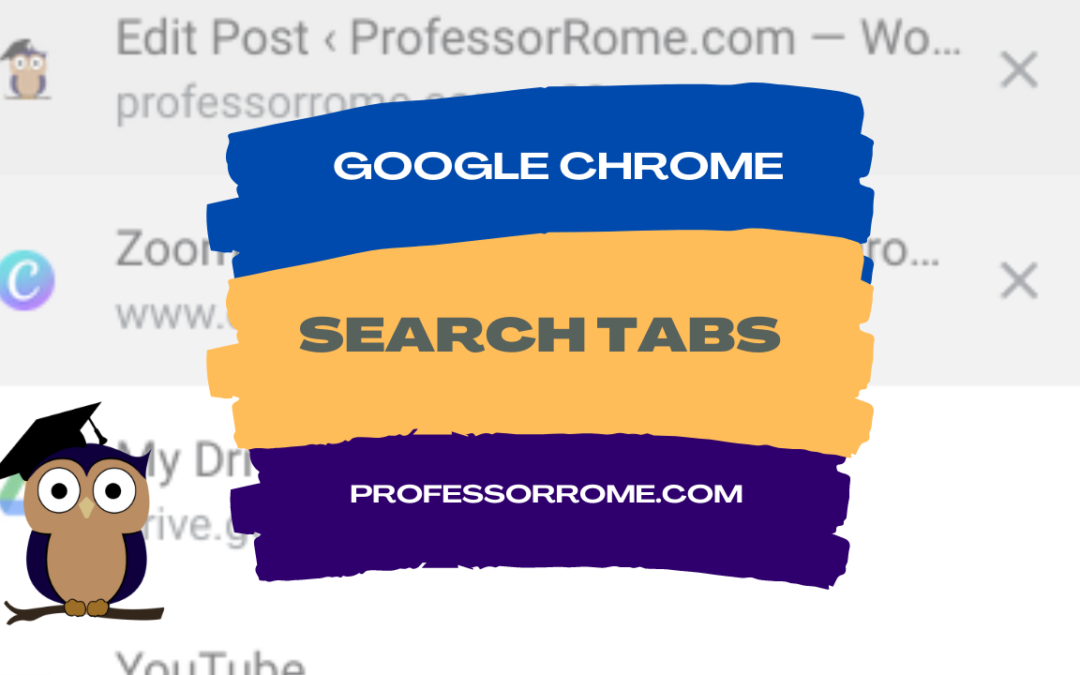
Do you have several tabs open in your Google Chrome web browser? You can use the Search Tab feature to find your tabs faster. Search Tabs Using Search Tabs Icon Click on the Search Tabs icon located in the upper right corner of your Chrome web browser.Select one of...
by Professor Rome | Jan 25, 2022
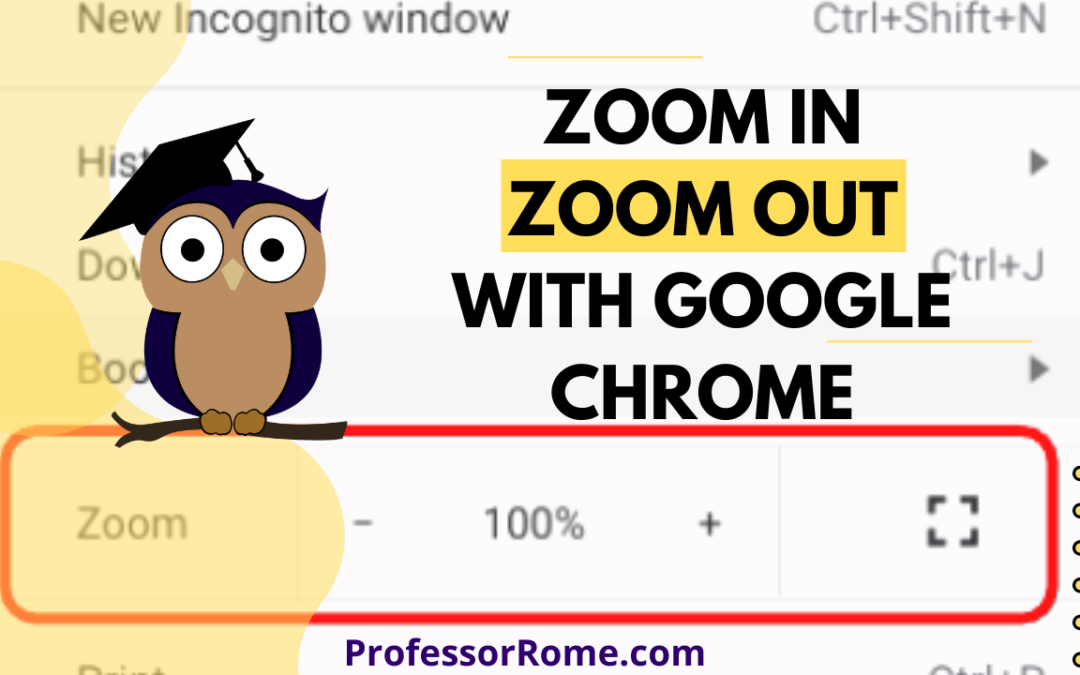
Are you having a hard time seeing the text on the Google Chrome web browser? Are you presenting information from a website on Google Meet or another video conferencing app and your participants can’t see the page? Make the text larger on the screen by using the...
by Professor Rome | Dec 6, 2021
You’re hurrying to move on to your next task and you accidentally closed a Google Chrome tab that you really needed. Darn it! All is lost. Or is it? No worries. You can quickly and easily reopen the tab you accidentally closed. Keyboard Shortcut: CTRL + SHIFT +...
by Professor Rome | Dec 2, 2021
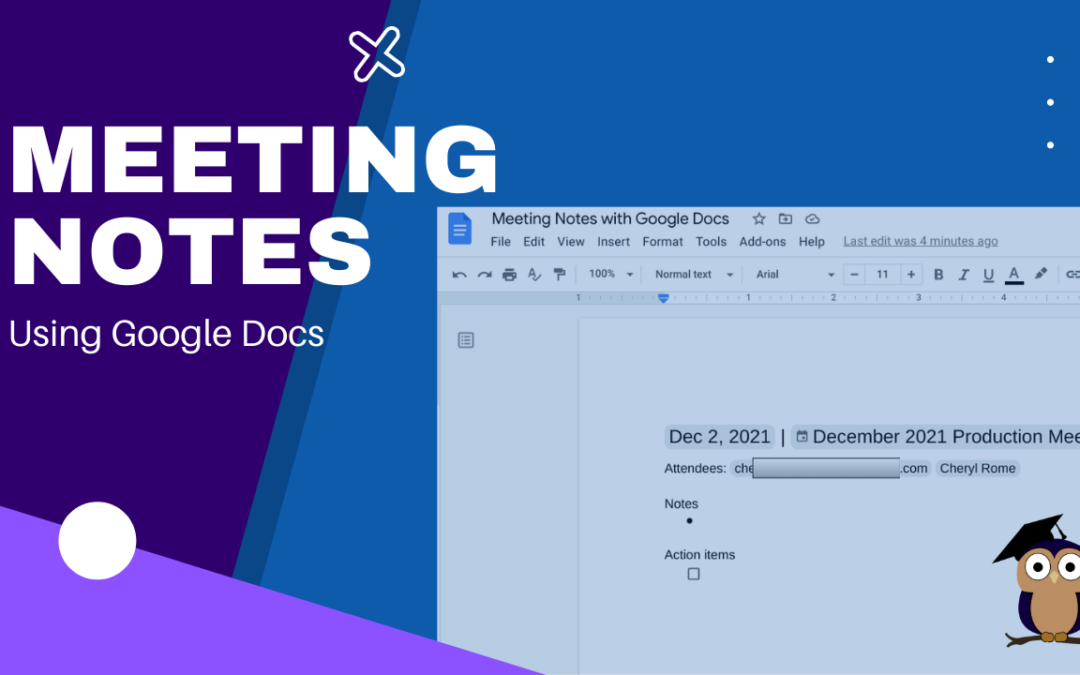
It’s your turn to take minutes at the next meeting. Google Docs makes this task easier and faster with the Meeting Notes tool. Log into your Google Account.Open Google Calendar and create a new meeting, if necessary. If the meeting was already scheduled and you...
by Professor Rome | Oct 18, 2021
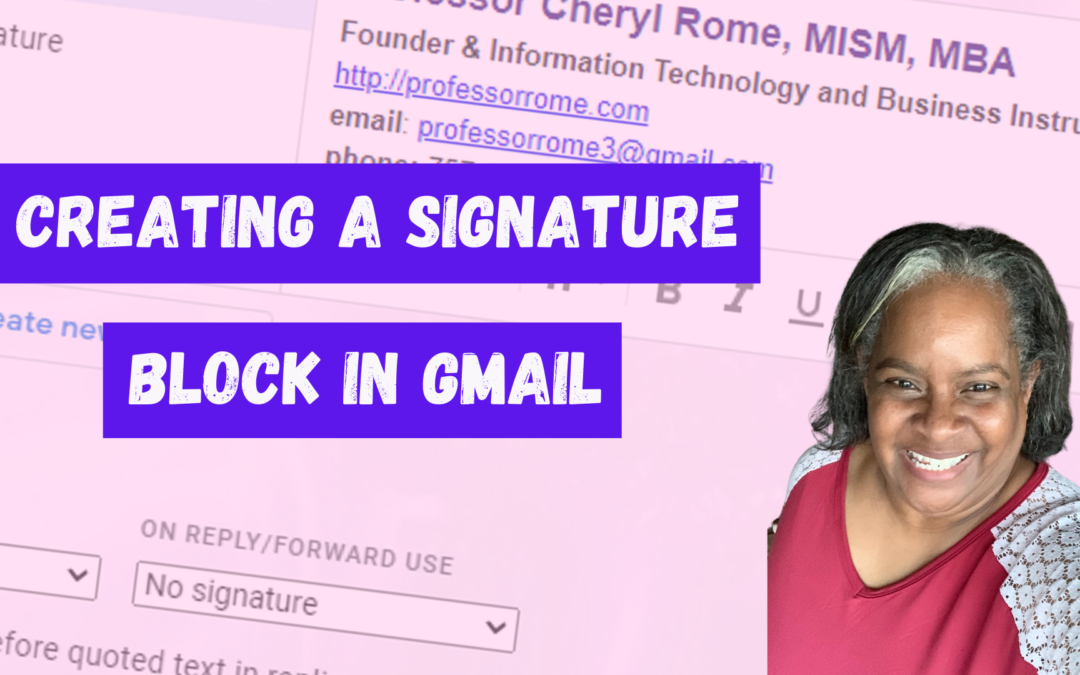
Give your email messages a professional touch by adding a signature block to the bottom of every message. A professional signature block is perfect for show casing your brand and providing contact information. Create a Signature Block Log into your Google account.Open...
by Professor Rome | Oct 11, 2021
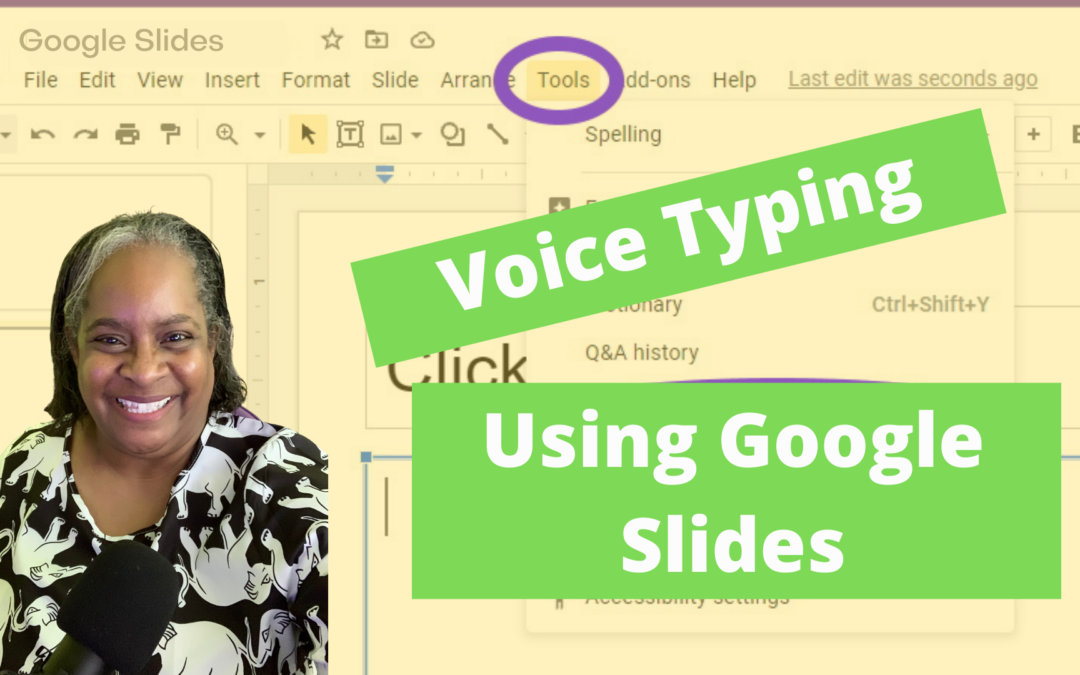
It’s the last minute before your presentation is due and you didn’t type your Speaker Notes AND you forgot that you use the “Hunt and Peck” method of typing! No worries! I have a tool for you. In Google Slides there is a dictation tool called...