by Professor Rome | Dec 2, 2021
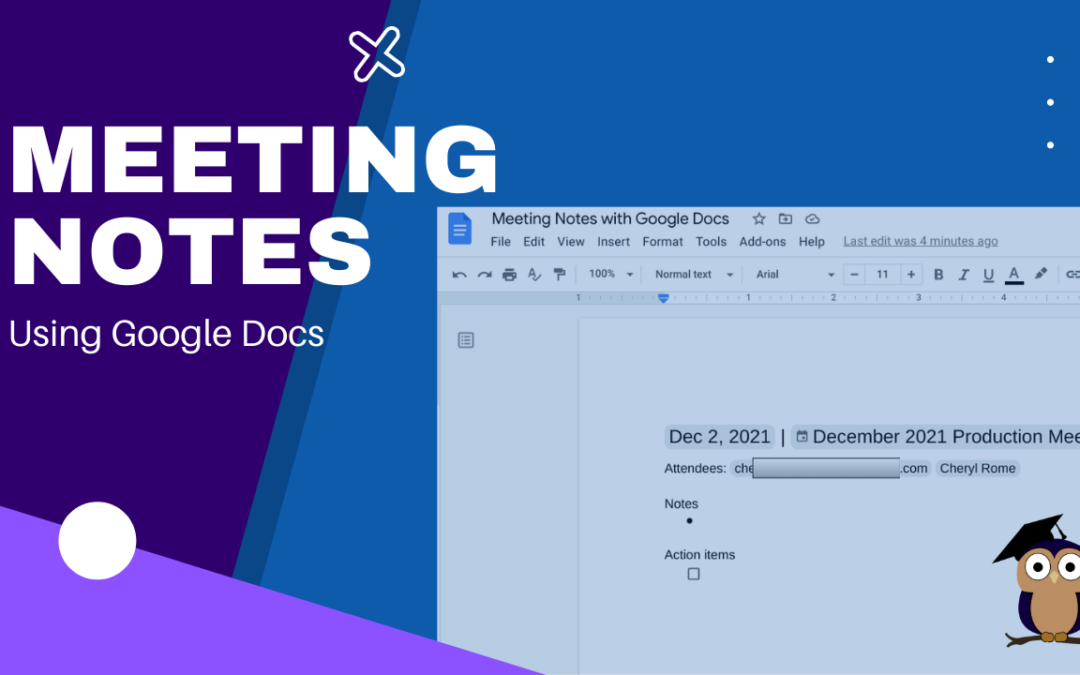
It’s your turn to take minutes at the next meeting. Google Docs makes this task easier and faster with the Meeting Notes tool. Log into your Google Account.Open Google Calendar and create a new meeting, if necessary. If the meeting was already scheduled and you...
by Professor Rome | Oct 18, 2021
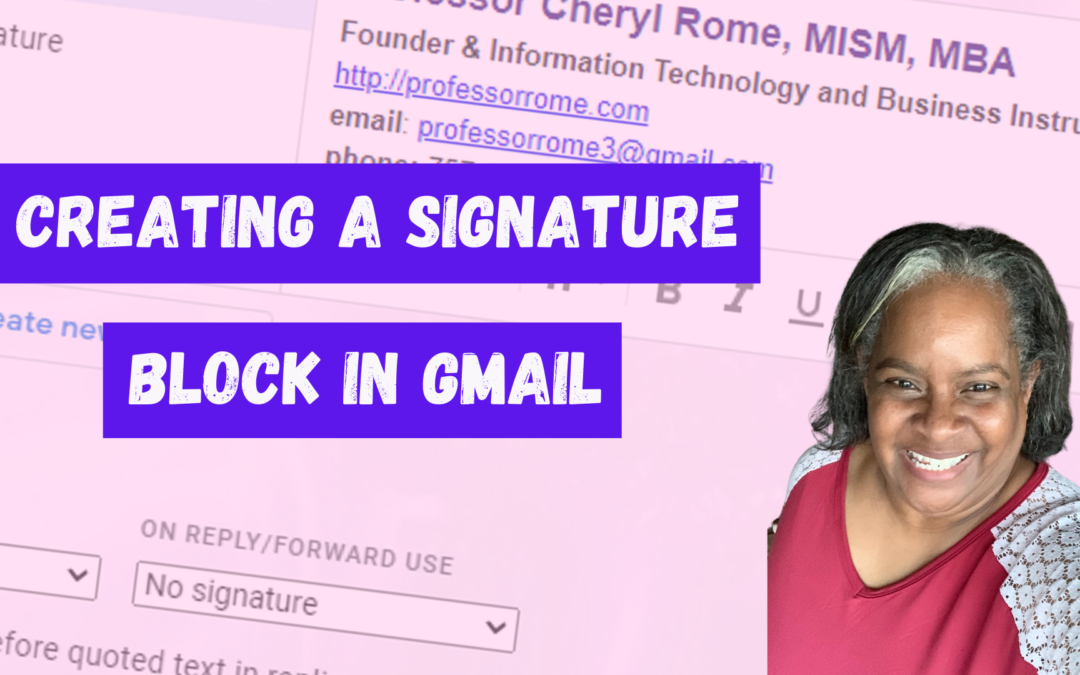
Give your email messages a professional touch by adding a signature block to the bottom of every message. A professional signature block is perfect for show casing your brand and providing contact information. Create a Signature Block Log into your Google account.Open...
by Professor Rome | Oct 11, 2021
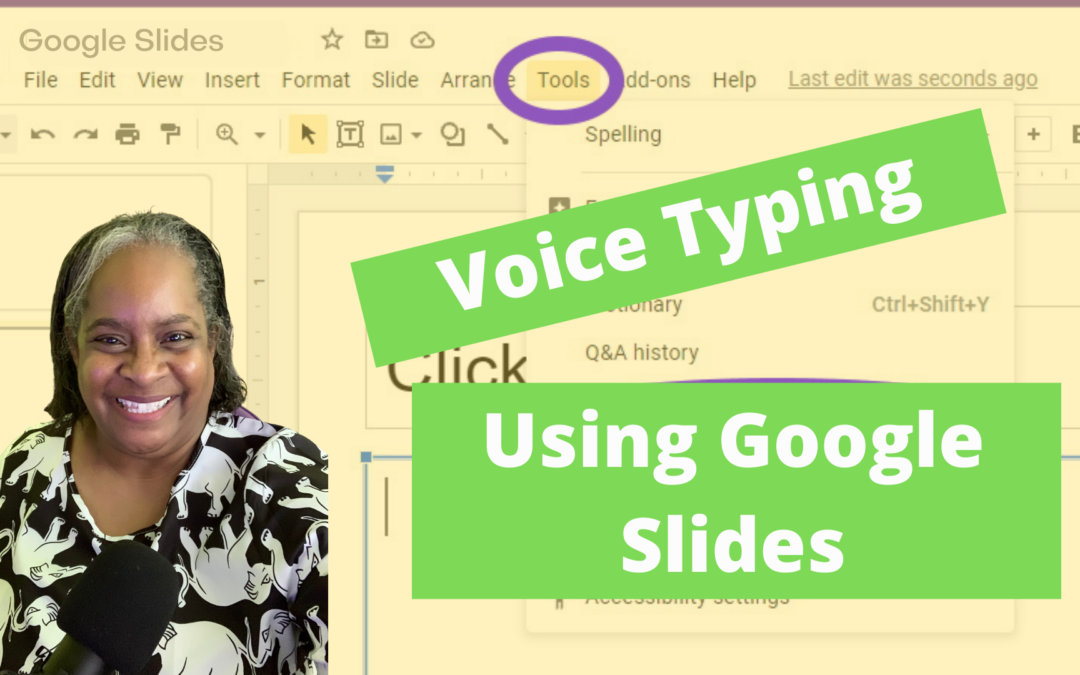
It’s the last minute before your presentation is due and you didn’t type your Speaker Notes AND you forgot that you use the “Hunt and Peck” method of typing! No worries! I have a tool for you. In Google Slides there is a dictation tool called...
by Professor Rome | Oct 11, 2021
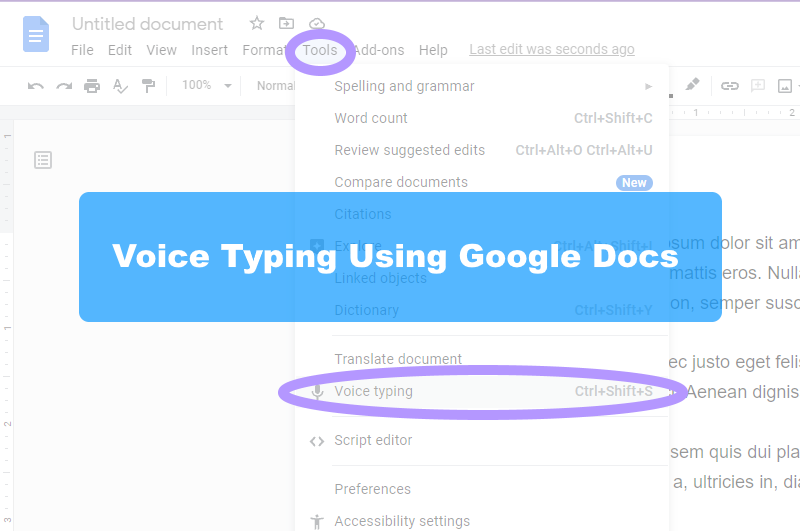
I’ll bet you one crispy $1 bill that most people can type as fast as they talk. If you are anything like me, I know I can’t type as fast as I talk. Well, I have a tool for you. In Google Docs there is a dictation tool called “Voice Typing”. All...
by Professor Rome | Oct 11, 2021
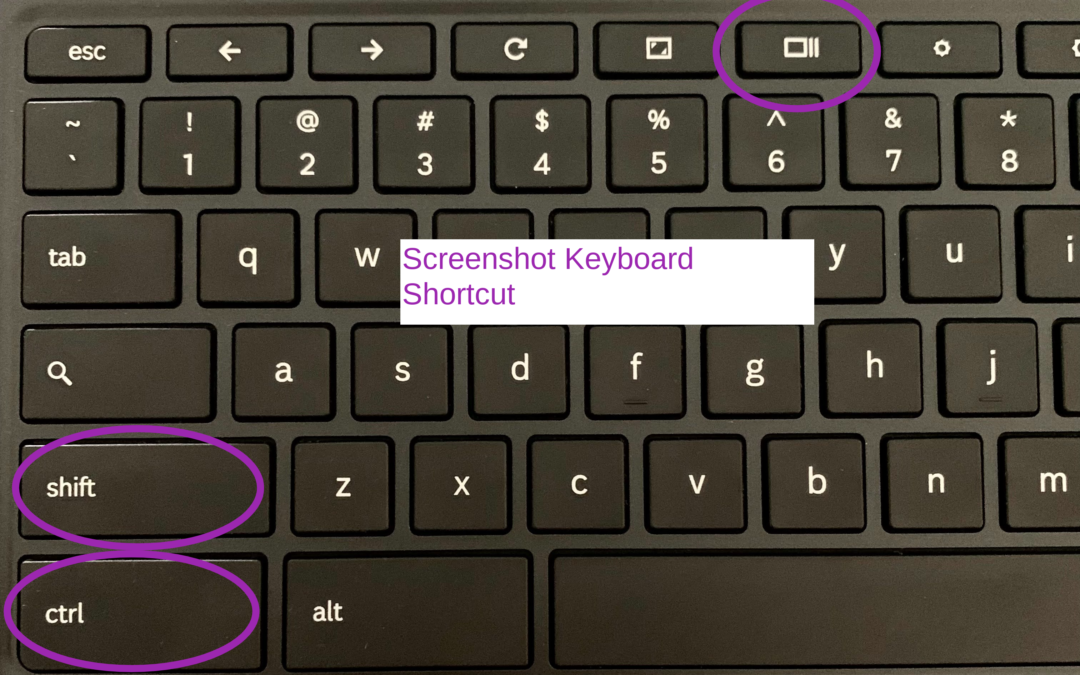
There may be an occasion when you will need to capture information on your screen with your Chromebook. Here’s how: Press SHIFT+CTRL+SHOW Chromebook Keyboard Shortcut Select Screenshot or Screen RecordUsing Screenshot, select from:Take a Full ScreenshotTake a...