by Professor Rome | Oct 11, 2021
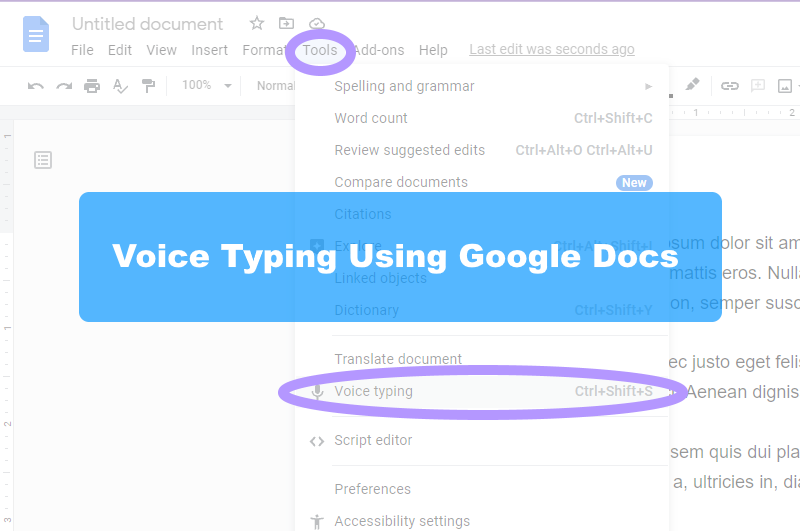
I’ll bet you one crispy $1 bill that most people can type as fast as they talk. If you are anything like me, I know I can’t type as fast as I talk. Well, I have a tool for you. In Google Docs there is a dictation tool called “Voice Typing”. All...
by Professor Rome | Oct 11, 2021
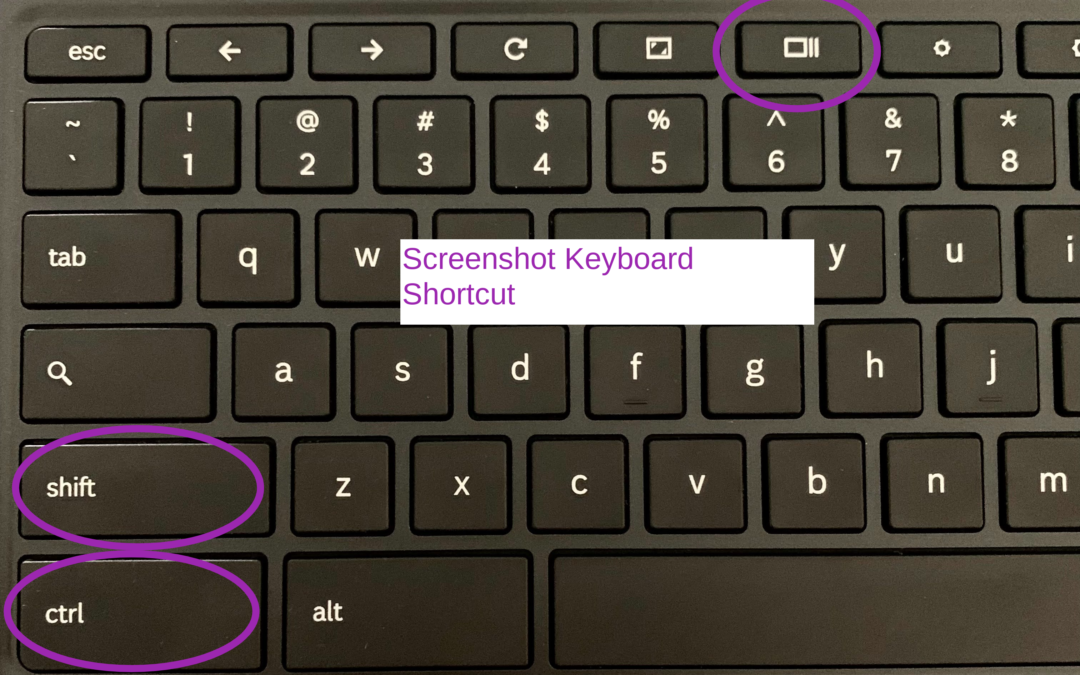
There may be an occasion when you will need to capture information on your screen with your Chromebook. Here’s how: Press SHIFT+CTRL+SHOW Chromebook Keyboard Shortcut Select Screenshot or Screen RecordUsing Screenshot, select from:Take a Full ScreenshotTake a...
by Professor Rome | Oct 2, 2021
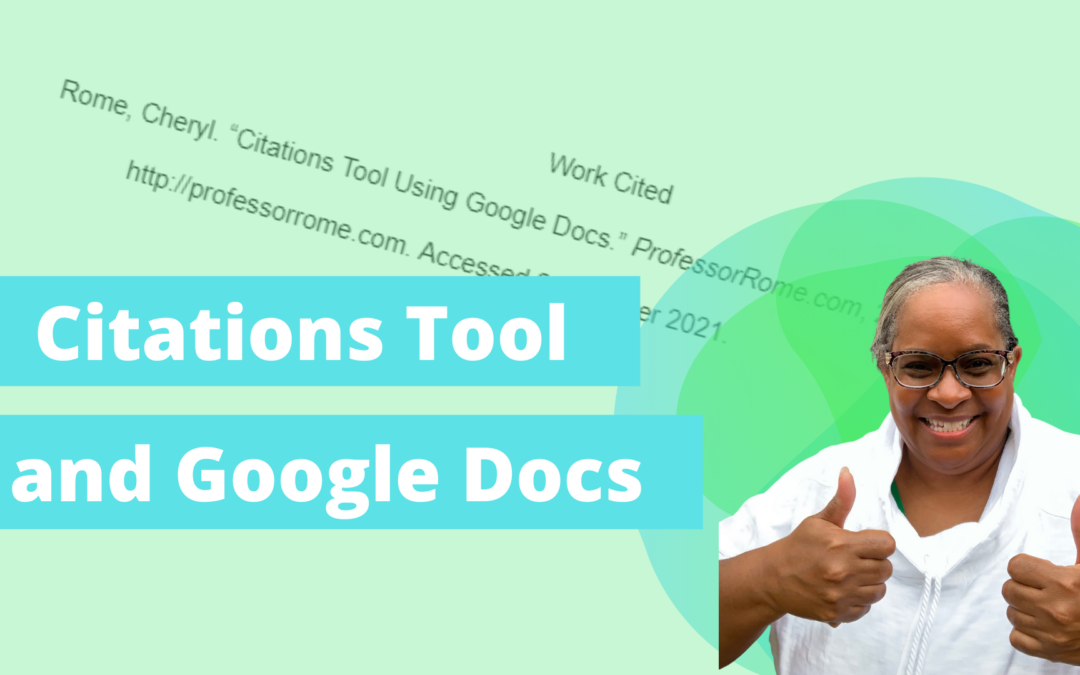
The new Citations tool in Google Docs adds in-text citations and a bibliography to your document. Open your document in Google Docs.Click on the Tool menu.Select Citations. In the Citations sidebar, select your citation format: MLA (8th ed.), APA (7th ed.), or Chicago...
by Professor Rome | Oct 2, 2021
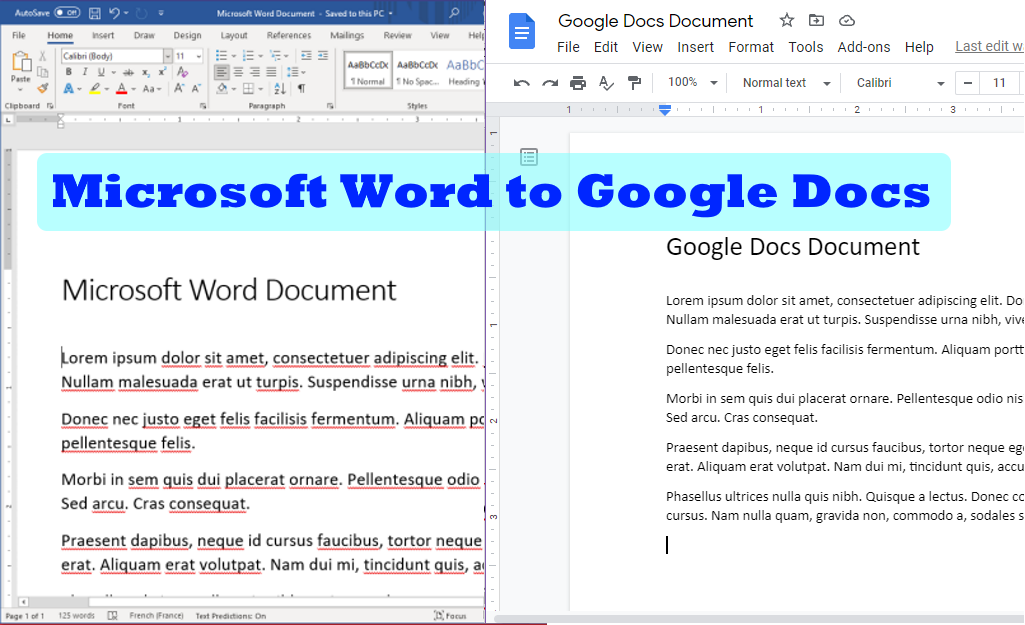
Have you ever received a Microsoft Word document and did not know how to open it Google Docs? Here is a quick and easy way to open and edit a Microsoft Word document using Google Docs. Save the Microsoft Word document to your storage device.Log into your Google...

by Professor Rome | Sep 22, 2021
Who and What is ProfessorRome.com? ProfessorRome.com offers Live Virtual Lectures and Training Seminars given by a highly qualified educator. The Live Lectures and training seminars are based on the Google productivity suite of cloud-based software. All of our classes...