
Blog, News, & Resources
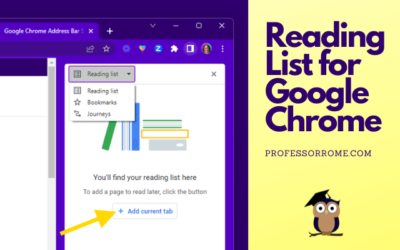
Reading List for Google Chrome
The Reading List for Google Chrome is perfect if you are conducting research and need to save the article or web page for later. You can add an article, website, or blog post to the Reading List, close the tab, and save memory on your computer. Here's how to do it:...
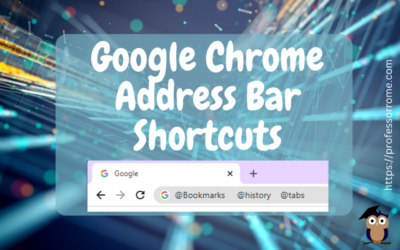
Google Chrome Address Bar Shortcuts
There is no need to click on multiple locations to access your Google Chrome bookmarks, browsing history, or tabs. Here are 3 quick Google Chrome address bar shortcuts: @bookmarks @history @tabs Let's give it a try! @Bookmarks Open the Google Chrome web browser. Type...
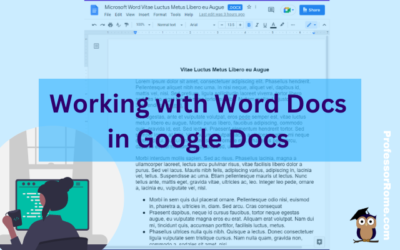
Working with Word Docs in Google Docs
Many companies and organizations are switching from Microsoft Office to Google Workspace. This is causing members of these organizations to panic. "Can you work on Microsoft documents in Google Workspace?" Yes, you can work cross-platform. I'll show you how to open a...
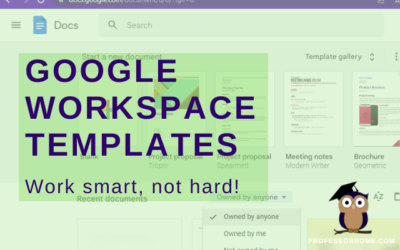
Google Workspace Templates
The word of the day is TEMPLATES. Does your organization have Google Docs, Google Forms, Google Sheets, or Google Slides files that you use over and over again? These files can be business plans, budgets, evaluations, presentations, or surveys just to name a few. They...
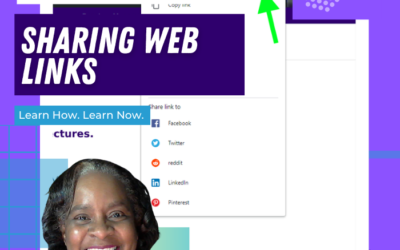
Google Chrome: Sharing Web Pages
You're browsing the web and you find an interesting article. Now you can share it directly from your Google Chrome web browser. No need to copy and paste the URL into an email message. You can even share the web page as a QR code! This will work on Chromebooks,...
UPDATE: Reopen Your Last Closed Tab Using Google Chrome
***UPDATE*** Google Chrome has another convenient way to help you easily reopen your last closed tab. Give it a try! Right-click on any open area of your Google Chrome web browser header.Select Reopen Closed Tab. Reopen Closed Tab Screenshot In case you missed the...
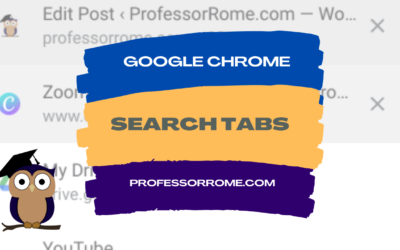
Google Chrome: Search Tabs
Do you have several tabs open in your Google Chrome web browser? You can use the Search Tab feature to find your tabs faster. Search Tabs Using Search Tabs Icon Click on the Search Tabs icon located in the upper right corner of your Chrome web browser.Select one of...
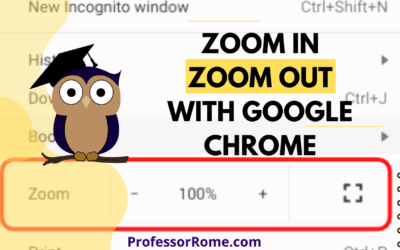
Google Chrome: Zoom In, Zoom Out
Are you having a hard time seeing the text on the Google Chrome web browser? Are you presenting information from a website on Google Meet or another video conferencing app and your participants can't see the page? Make the text larger on the screen by using the...
Google Chrome: Reopen Your Last Closed Tab
You're hurrying to move on to your next task and you accidentally closed a Google Chrome tab that you really needed. Darn it! All is lost. Or is it? No worries. You can quickly and easily reopen the tab you accidentally closed. Keyboard Shortcut: CTRL + SHIFT + T...

Step into Professor Rome’s Reading Room—your gateway to digital treasures! Explore ebooks that inspire, educate, and empower, all crafted with care to fuel your success. From study hacks to digital skills, there’s a read for every learner. Browse, download, and level up! 📚✨