
Blog, News, & Resources
Tech You’ll Be Thankful For This November
As the leaves fall and the holiday season sneaks up, it’s easy to get swept away in the busyness of wrapping up projects, prepping for family gatherings, and finding the best deals online. But let’s pause for a second—because this month, there’s plenty of tech to be...

Google Calendar’s ‘More Insights’: Your Secret Weapon for Time Mastery
Google Calendar is a powerful tool for managing your schedule, but did you know it can do even more? Introducing "More Insights," a feature that goes beyond basic scheduling and provides valuable data to help you understand your time better. What are "More Insights"?...
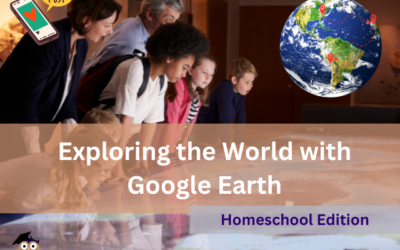
Homeschool Adventures Await: Exploring the World with Google Earth
Have you ever dreamt of taking your homeschool lessons on a virtual field trip across the globe? Look no further than Google Earth! This free and powerful tool can transform your curriculum into an immersive learning experience, sparking curiosity and igniting a...
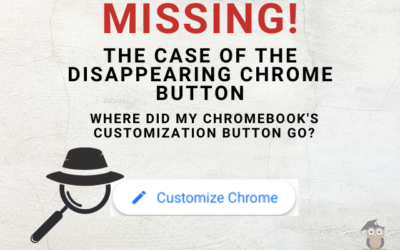
The Case of the Disappearing Chrome Button: Where Did My Chromebook’s Customization Button Go?
Ever stare longingly at a blank canvas, yearning for a splash of color and personality? Well, Chromebook users, that feeling might translate to your web browser too! Have you opened Google Chrome only to find the "Customize this page" button mysteriously missing? Fear...
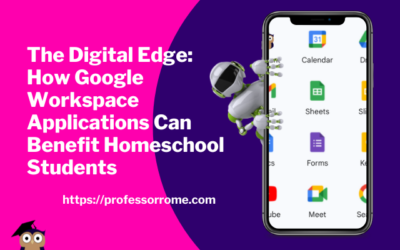
The Digital Edge: How Google Workspace Applications Can Benefit Homeschool Students
In today's digital age, learning how to use technology is becoming increasingly important for students of all ages. With the rise of homeschooling, students must have access to tools that can help them stay organized, communicate effectively, and collaborate with...
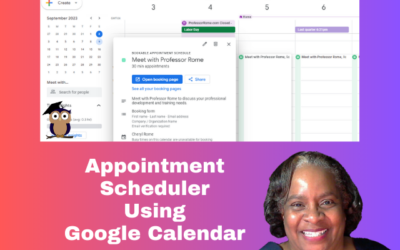
Book Appointments Using Google Calendar
Good news small business owners! Google Calendar has a new feature called Appointment Schedule. Create a shareable page that lets your clients book time with you. It's money in your inbox. IMPORTANT: Appointment Scheduler works with the Google Workspace Business,...
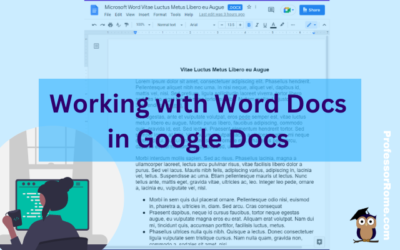
Working with Word Docs in Google Docs
Many companies and organizations are switching from Microsoft Office to Google Workspace. This is causing members of these organizations to panic. "Can you work on Microsoft documents in Google Workspace?" Yes, you can work cross-platform. I'll show you how to open a...
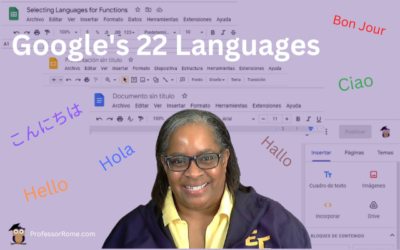
Google’s 22 Languages
Hola! Bon Jour! Ciao! Hallo! Hello everyone! Did you know that Google Workspace apps support 22 languages? You can easily change your preferred language in Google Sheets or any Google Workspace application. Not only can you use this feature when you are conducting...
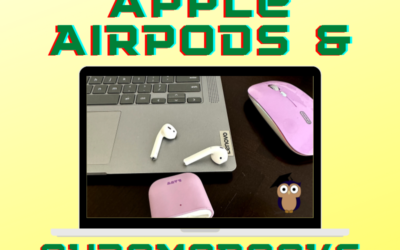
Pairing Apple AirPods to Your Chromebook
Use your Apple AirPods with your Chromebook to listen to your favorite podcast or music, or connect to a Google Meet or Zoom meeting. Pair your Apple AirPods with your Chromebook in 5 easy steps! Tap or Click Quick SettingsTap or click Settings Steps 1 & 2: Access...
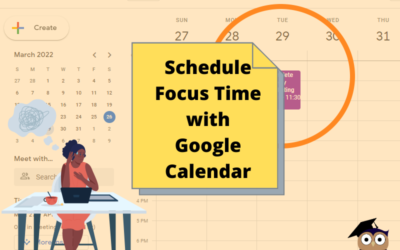
Schedule Focus Time Using Google Calendar
It's 9:30 am and you settled down to your desk with your computer, your favorite morning pick-me-up, and a major project that is due today by the close of business. Notifications are popping up on your phone Notifications are popping up on your computer screen New...
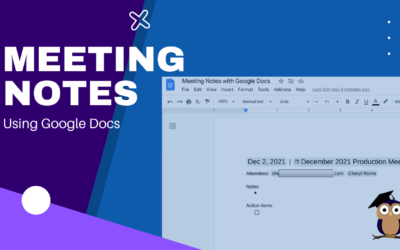
Meeting Notes with Google Docs
It's your turn to take minutes at the next meeting. Google Docs makes this task easier and faster with the Meeting Notes tool. Log into your Google Account.Open Google Calendar and create a new meeting, if necessary. If the meeting was already scheduled and you were...
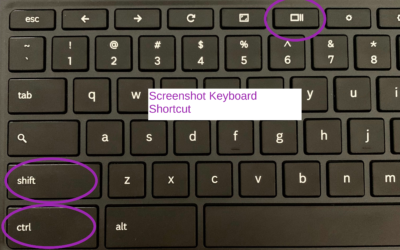
How to Take/Record a Screenshot with a Chromebook
There may be an occasion when you will need to capture information on your screen with your Chromebook. Here's how: Press SHIFT+CTRL+SHOW Chromebook Keyboard Shortcut Select Screenshot or Screen RecordUsing Screenshot, select from:Take a Full ScreenshotTake a Partial...

Step into Professor Rome’s Reading Room—your gateway to digital treasures! Explore ebooks that inspire, educate, and empower, all crafted with care to fuel your success. From study hacks to digital skills, there’s a read for every learner. Browse, download, and level up! 📚✨