
Blog, News, & Resources

Build Something Cool This Summer: Your Brain Will Thank You
Let’s be real: summer is prime time for beach days, late mornings, and iced coffee runs. But while your body is chillin’, your brain deserves a little action—and no, we’re not talking about math homework. One of the best ways to stay sharp (and actually have fun doing...

The Case of the Missing Mystery Purse: Can Google Lens Crack Miss Jemima’s Code?
Calling all fashion detectives and history buffs! Professor Rome here, on the hunt for a missing fashion statement – and I need your help! The lovely Miss Jemima (@missjemima on Instagram, be sure to follow her for amazing style inspiration!) posted a picture that has...
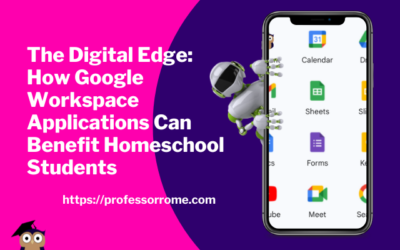
The Digital Edge: How Google Workspace Applications Can Benefit Homeschool Students
In today's digital age, learning how to use technology is becoming increasingly important for students of all ages. With the rise of homeschooling, students must have access to tools that can help them stay organized, communicate effectively, and collaborate with...
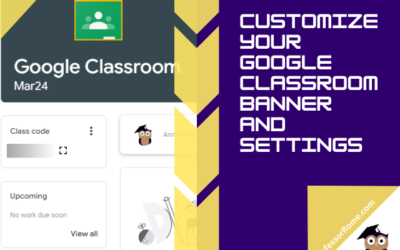
Customize Your Google Classroom Banner and Settings
Has your virtual classroom lost its luster? Is your homeschool feeling a bit…beige? Maybe your business training sessions need a splash of personality! Fear not, fellow educators and business gurus! In this post, you'll transform your Google Classroom from bland to...
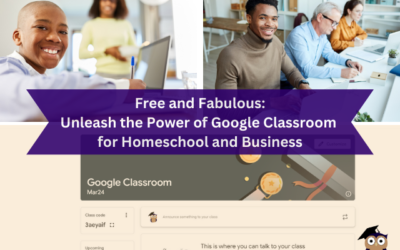
Free and Fabulous: Unleash the Power of Google Classroom for Homeschool and Business
Ditch the dusty textbooks and endless email chains! Google Classroom is here to transform your homeschool or business into a streamlined learning (or collaborating) machine. Buckle up, teachers and entrepreneurs, because we're about to show you how to ditch the chaos...
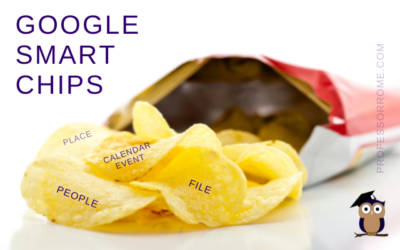
Google Smart Chips
I don't know about you, but the blog thumbnail made me hungry. Can we buy Google Smart Chips? No. Are there any calories in Smart Chips? No. Wait a minute! This better not be clickbait. If you can't buy Google Smart Chips in a store and they don't have any calories,...
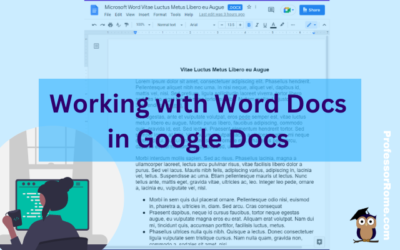
Working with Word Docs in Google Docs
Many companies and organizations are switching from Microsoft Office to Google Workspace. This is causing members of these organizations to panic. "Can you work on Microsoft documents in Google Workspace?" Yes, you can work cross-platform. I'll show you how to open a...
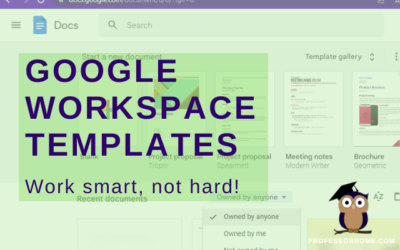
Google Workspace Templates
The word of the day is TEMPLATES. Does your organization have Google Docs, Google Forms, Google Sheets, or Google Slides files that you use over and over again? These files can be business plans, budgets, evaluations, presentations, or surveys just to name a few. They...
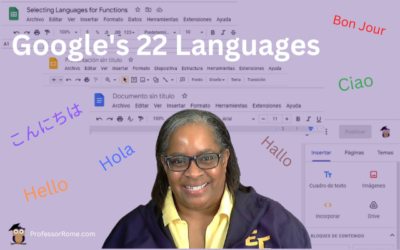
Google’s 22 Languages
Hola! Bon Jour! Ciao! Hallo! Hello everyone! Did you know that Google Workspace apps support 22 languages? You can easily change your preferred language in Google Sheets or any Google Workspace application. Not only can you use this feature when you are conducting...
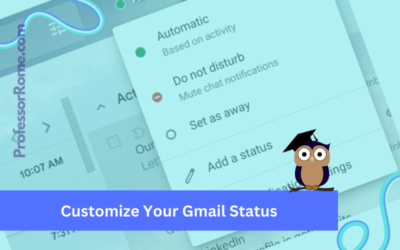
Customize Your Gmail Status
Google Workspace for Business, Education, and Enterprise plans has a customizable status indicator for Gmail and Google Chat. When you open Gmail or Google Chat, the status indicator is automatically set to Active because it is based on your current activity. You can...
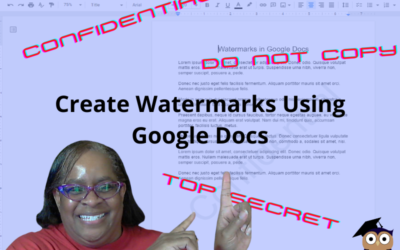
Confidential. Top Secret. Do Not Copy. Watermarks in Google Docs
There are times when you will need to watermark your document. No, creating a watermark is not when you set your favorite icy cold beverage on a stack of your important papers, and a nice, moist ring forms on the top 3 sheets. Watermarks are text or images that appear...
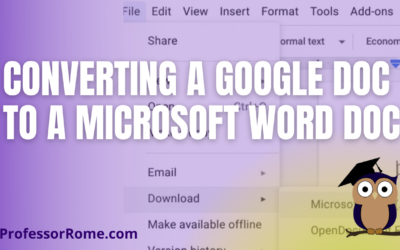
Converting a Google Doc to a Microsoft Word Doc
You're using Google Docs to create newsletters, reports, proposals, meeting notes, brochures, lesson plans, or agendas. There may be a time when you will need to convert these Google Doc documents to Microsoft Word documents. With your Google Doc document open: Click...

Step into Professor Rome’s Reading Room—your gateway to digital treasures! Explore ebooks that inspire, educate, and empower, all crafted with care to fuel your success. From study hacks to digital skills, there’s a read for every learner. Browse, download, and level up! 📚✨