
Blog, News, & Resources

How to Land Your Dream Remote Job with FlexJobs
Working remotely is the dream for many professionals, especially content development professionals. Whether you're a writer, editor, instructional designer, or content strategist, remote work offers flexibility, work-life balance, and the opportunity to work from...

Why Your Small Business Needs a Website and How to Build One
Do you have a small business but don't have a website yet? If so, you're missing out on a huge opportunity to reach new customers and grow your business. The Importance of a Business Website A website is your digital storefront. It's where potential customers can...
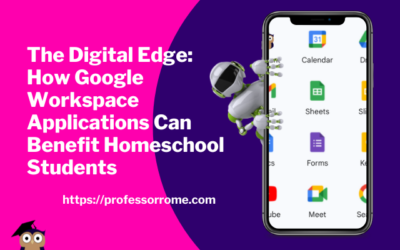
The Digital Edge: How Google Workspace Applications Can Benefit Homeschool Students
In today's digital age, learning how to use technology is becoming increasingly important for students of all ages. With the rise of homeschooling, students must have access to tools that can help them stay organized, communicate effectively, and collaborate with...
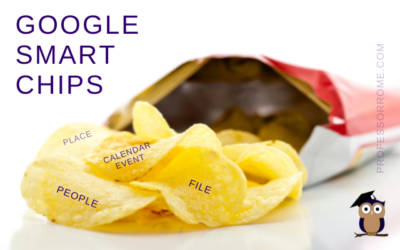
Google Smart Chips
I don't know about you, but the blog thumbnail made me hungry. Can we buy Google Smart Chips? No. Are there any calories in Smart Chips? No. Wait a minute! This better not be clickbait. If you can't buy Google Smart Chips in a store and they don't have any calories,...
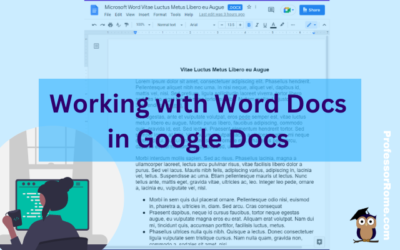
Working with Word Docs in Google Docs
Many companies and organizations are switching from Microsoft Office to Google Workspace. This is causing members of these organizations to panic. "Can you work on Microsoft documents in Google Workspace?" Yes, you can work cross-platform. I'll show you how to open a...
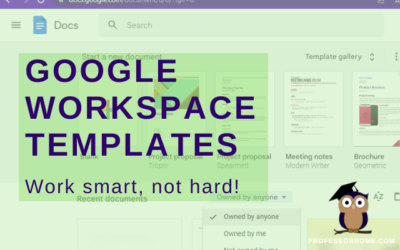
Google Workspace Templates
The word of the day is TEMPLATES. Does your organization have Google Docs, Google Forms, Google Sheets, or Google Slides files that you use over and over again? These files can be business plans, budgets, evaluations, presentations, or surveys just to name a few. They...
Google’s 22 Languages
Hola! Bon Jour! Ciao! Hallo! Hello everyone! Did you know that Google Workspace apps support 22 languages? You can easily change your preferred language in Google Sheets or any Google Workspace application. Not only can you use this feature when you are conducting...
Confidential. Top Secret. Do Not Copy. Watermarks in Google Docs
There are times when you will need to watermark your document. No, creating a watermark is not when you set your favorite icy cold beverage on a stack of your important papers, and a nice, moist ring forms on the top 3 sheets. Watermarks are text or images that appear...
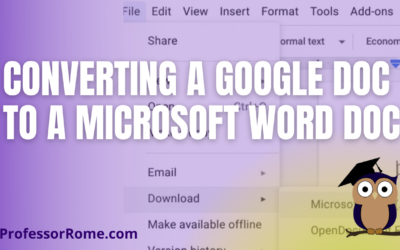
Converting a Google Doc to a Microsoft Word Doc
You're using Google Docs to create newsletters, reports, proposals, meeting notes, brochures, lesson plans, or agendas. There may be a time when you will need to convert these Google Doc documents to Microsoft Word documents. With your Google Doc document open: Click...
Meeting Notes with Google Docs
It's your turn to take minutes at the next meeting. Google Docs makes this task easier and faster with the Meeting Notes tool. Log into your Google Account.Open Google Calendar and create a new meeting, if necessary. If the meeting was already scheduled and you were...
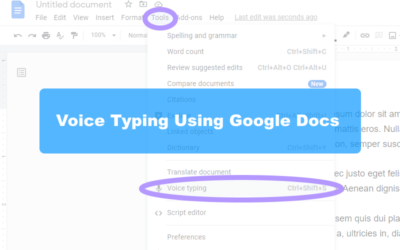
Handsfree Typing with Google Docs
I'll bet you one crispy $1 bill that most people can type as fast as they talk. If you are anything like me, I know I can't type as fast as I talk. Well, I have a tool for you. In Google Docs there is a dictation tool called "Voice Typing". All you need is a...
Citations Tools & Google Docs
The new Citations tool in Google Docs adds in-text citations and a bibliography to your document. Open your document in Google Docs.Click on the Tool menu.Select Citations. In the Citations sidebar, select your citation format: MLA (8th ed.), APA (7th ed.), or Chicago...

Step into Professor Rome’s Reading Room—your gateway to digital treasures! Explore ebooks that inspire, educate, and empower, all crafted with care to fuel your success. From study hacks to digital skills, there’s a read for every learner. Browse, download, and level up! 📚✨