
Blog, News, & Resources
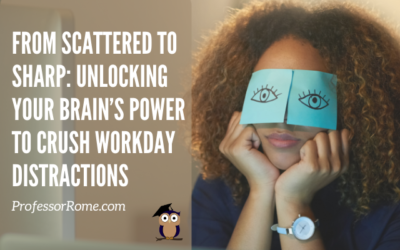
From Scattered to Sharp: Unlocking Your Brain’s Power to Crush Workday Distractions
Staying focused at work can be challenging, especially when there are numerous distractions around you. However, with some simple strategies, you can improve your focus and productivity. Here are some tips to help you stay focused at work: Set clear goals and...
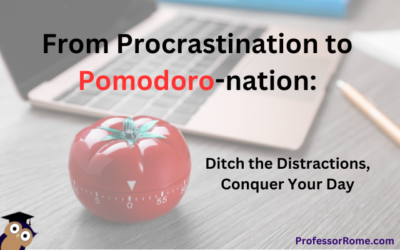
From Procrastination to Pomodoro-nation: Ditch the Distractions, Conquer Your Day
The Pomodoro Technique is a time management method that uses a timer to break work into intervals, typically 25 minutes in length, separated by short breaks. Each interval is known as a pomodoro, named after the tomato-shaped kitchen timer that the technique's...
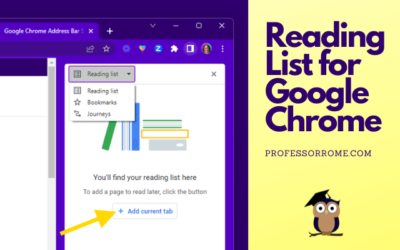
Reading List for Google Chrome
The Reading List for Google Chrome is perfect if you are conducting research and need to save the article or web page for later. You can add an article, website, or blog post to the Reading List, close the tab, and save memory on your computer. Here's how to do it:...
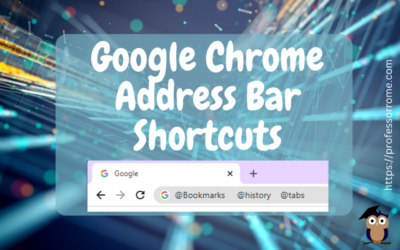
Google Chrome Address Bar Shortcuts
There is no need to click on multiple locations to access your Google Chrome bookmarks, browsing history, or tabs. Here are 3 quick Google Chrome address bar shortcuts: @bookmarks @history @tabs Let's give it a try! @Bookmarks Open the Google Chrome web browser. Type...
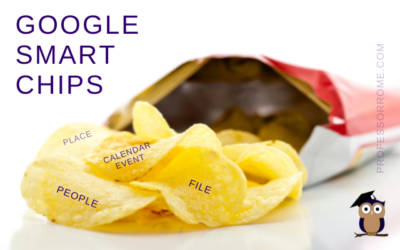
Google Smart Chips
I don't know about you, but the blog thumbnail made me hungry. Can we buy Google Smart Chips? No. Are there any calories in Smart Chips? No. Wait a minute! This better not be clickbait. If you can't buy Google Smart Chips in a store and they don't have any calories,...
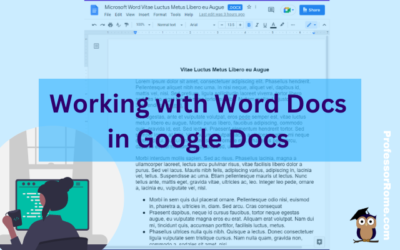
Working with Word Docs in Google Docs
Many companies and organizations are switching from Microsoft Office to Google Workspace. This is causing members of these organizations to panic. "Can you work on Microsoft documents in Google Workspace?" Yes, you can work cross-platform. I'll show you how to open a...
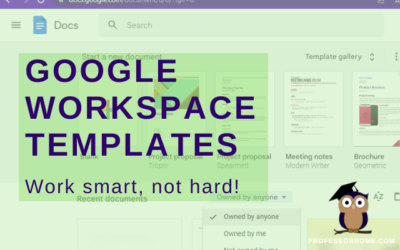
Google Workspace Templates
The word of the day is TEMPLATES. Does your organization have Google Docs, Google Forms, Google Sheets, or Google Slides files that you use over and over again? These files can be business plans, budgets, evaluations, presentations, or surveys just to name a few. They...
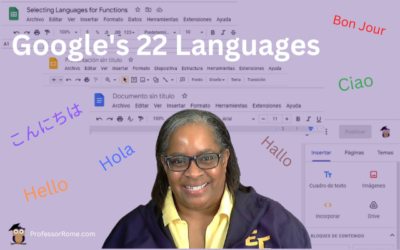
Google’s 22 Languages
Hola! Bon Jour! Ciao! Hallo! Hello everyone! Did you know that Google Workspace apps support 22 languages? You can easily change your preferred language in Google Sheets or any Google Workspace application. Not only can you use this feature when you are conducting...
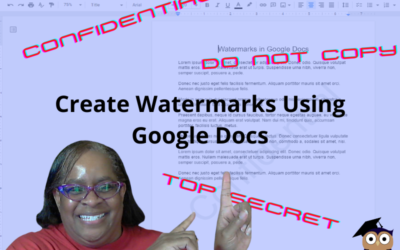
Confidential. Top Secret. Do Not Copy. Watermarks in Google Docs
There are times when you will need to watermark your document. No, creating a watermark is not when you set your favorite icy cold beverage on a stack of your important papers, and a nice, moist ring forms on the top 3 sheets. Watermarks are text or images that appear...
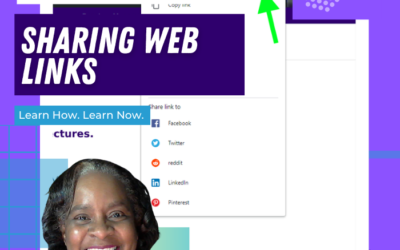
Google Chrome: Sharing Web Pages
You're browsing the web and you find an interesting article. Now you can share it directly from your Google Chrome web browser. No need to copy and paste the URL into an email message. You can even share the web page as a QR code! This will work on Chromebooks,...
UPDATE: Reopen Your Last Closed Tab Using Google Chrome
***UPDATE*** Google Chrome has another convenient way to help you easily reopen your last closed tab. Give it a try! Right-click on any open area of your Google Chrome web browser header.Select Reopen Closed Tab. Reopen Closed Tab Screenshot In case you missed the...
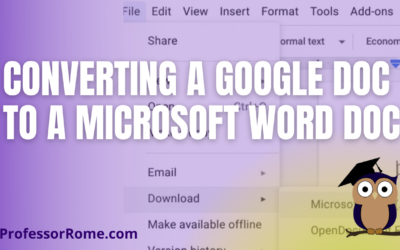
Converting a Google Doc to a Microsoft Word Doc
You're using Google Docs to create newsletters, reports, proposals, meeting notes, brochures, lesson plans, or agendas. There may be a time when you will need to convert these Google Doc documents to Microsoft Word documents. With your Google Doc document open: Click...

Step into Professor Rome’s Reading Room—your gateway to digital treasures! Explore ebooks that inspire, educate, and empower, all crafted with care to fuel your success. From study hacks to digital skills, there’s a read for every learner. Browse, download, and level up! 📚✨