
Blog, News, & Resources
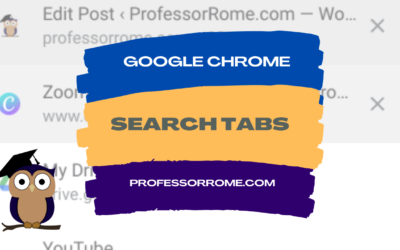
Google Chrome: Search Tabs
Do you have several tabs open in your Google Chrome web browser? You can use the Search Tab feature to find your tabs faster. Search Tabs Using Search Tabs Icon Click on the Search Tabs icon located in the upper right corner of your Chrome web browser.Select one of...
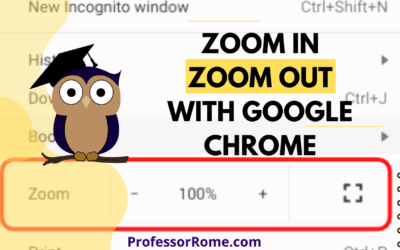
Google Chrome: Zoom In, Zoom Out
Are you having a hard time seeing the text on the Google Chrome web browser? Are you presenting information from a website on Google Meet or another video conferencing app and your participants can't see the page? Make the text larger on the screen by using the...
Google Chrome: Reopen Your Last Closed Tab
You're hurrying to move on to your next task and you accidentally closed a Google Chrome tab that you really needed. Darn it! All is lost. Or is it? No worries. You can quickly and easily reopen the tab you accidentally closed. Keyboard Shortcut: CTRL + SHIFT + T...
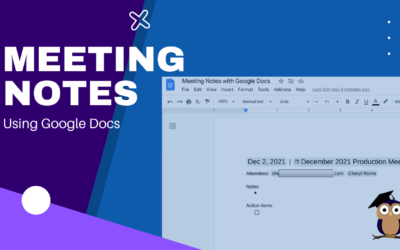
Meeting Notes with Google Docs
It's your turn to take minutes at the next meeting. Google Docs makes this task easier and faster with the Meeting Notes tool. Log into your Google Account.Open Google Calendar and create a new meeting, if necessary. If the meeting was already scheduled and you were...
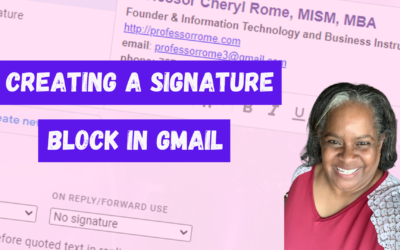
Creating a Signature Block in Gmail
Give your email messages a professional touch by adding a signature block to the bottom of every message. A professional signature block is perfect for show casing your brand and providing contact information. Create a Signature Block Log into your Google account.Open...
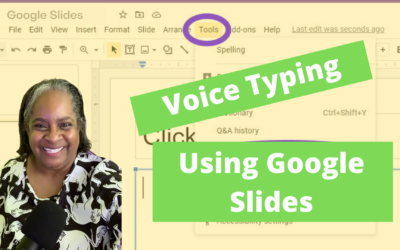
Voice Type Your Google Slides Speaker Notes
It's the last minute before your presentation is due and you didn't type your Speaker Notes AND you forgot that you use the "Hunt and Peck" method of typing! No worries! I have a tool for you. In Google Slides there is a dictation tool called "Voice Type". All you...
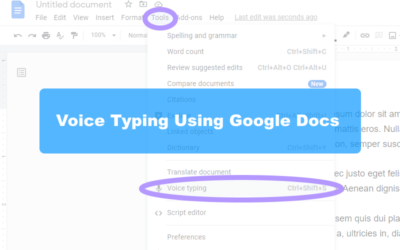
Handsfree Typing with Google Docs
I'll bet you one crispy $1 bill that most people can type as fast as they talk. If you are anything like me, I know I can't type as fast as I talk. Well, I have a tool for you. In Google Docs there is a dictation tool called "Voice Typing". All you need is a...
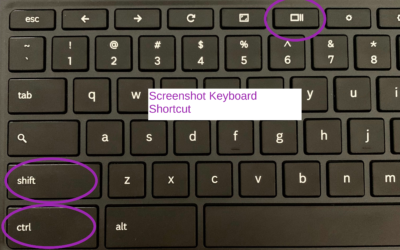
How to Take/Record a Screenshot with a Chromebook
There may be an occasion when you will need to capture information on your screen with your Chromebook. Here's how: Press SHIFT+CTRL+SHOW Chromebook Keyboard Shortcut Select Screenshot or Screen RecordUsing Screenshot, select from:Take a Full ScreenshotTake a Partial...
Citations Tools & Google Docs
The new Citations tool in Google Docs adds in-text citations and a bibliography to your document. Open your document in Google Docs.Click on the Tool menu.Select Citations. In the Citations sidebar, select your citation format: MLA (8th ed.), APA (7th ed.), or Chicago...
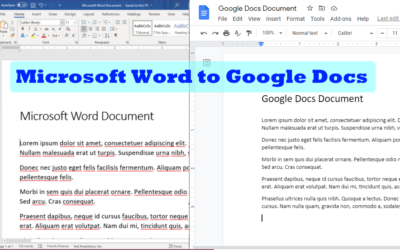
Opening a Word Document in Google Docs
Have you ever received a Microsoft Word document and did not know how to open it Google Docs? Here is a quick and easy way to open and edit a Microsoft Word document using Google Docs. Save the Microsoft Word document to your storage device.Log into your Google...

Who and What is ProfessorRome.com
Who and What is ProfessorRome.com? ProfessorRome.com offers Live Virtual Lectures and Training Seminars given by a highly qualified educator. The Live Lectures and training seminars are based on the Google productivity suite of cloud-based software. All of our classes...

Step into Professor Rome’s Reading Room—your gateway to digital treasures! Explore ebooks that inspire, educate, and empower, all crafted with care to fuel your success. From study hacks to digital skills, there’s a read for every learner. Browse, download, and level up! 📚✨