
Blog, News, & Resources

Free eBook – Organize Your Day with Google Tasks
Download Your Free eBook Organize Your Day with Google Tasks: Your Guide to Productivity This eBook will guide you through the ins and outs of Google Tasks, showing you how to leverage its features to maximize your productivity and achieve your goals. Whether you're a...
The Case of the Disappearing Chrome Button: Where Did My Chromebook’s Customization Button Go?
Ever stare longingly at a blank canvas, yearning for a splash of color and personality? Well, Chromebook users, that feeling might translate to your web browser too! Have you opened Google Chrome only to find the "Customize this page" button mysteriously missing? Fear...
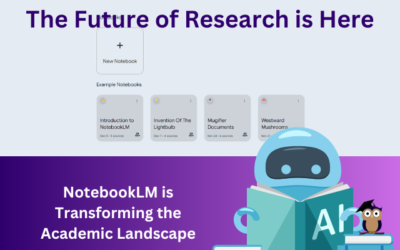
The Future of Research is Here. NotebookLM is Transforming the Academic Landscape
Meet your new secret weapon - NotebookLM. This experimental tool from Google Labs is designed to be more than just a note-taking app. It's an AI-powered research assistant and writing collaborator that can help you: Organize your research. Create notebooks for...
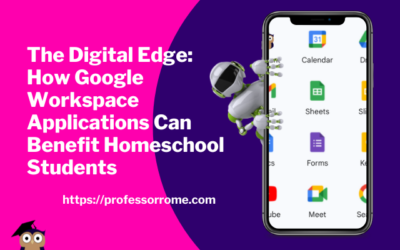
The Digital Edge: How Google Workspace Applications Can Benefit Homeschool Students
In today's digital age, learning how to use technology is becoming increasingly important for students of all ages. With the rise of homeschooling, students must have access to tools that can help them stay organized, communicate effectively, and collaborate with...
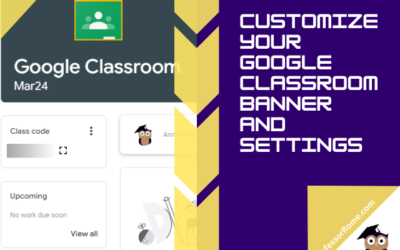
Customize Your Google Classroom Banner and Settings
Has your virtual classroom lost its luster? Is your homeschool feeling a bit…beige? Maybe your business training sessions need a splash of personality! Fear not, fellow educators and business gurus! In this post, you'll transform your Google Classroom from bland to...
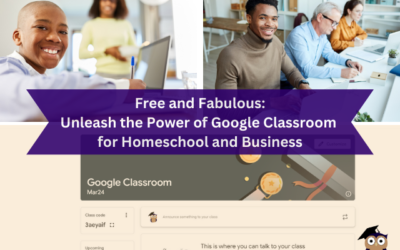
Free and Fabulous: Unleash the Power of Google Classroom for Homeschool and Business
Ditch the dusty textbooks and endless email chains! Google Classroom is here to transform your homeschool or business into a streamlined learning (or collaborating) machine. Buckle up, teachers and entrepreneurs, because we're about to show you how to ditch the chaos...

Beyond the Inbox: Unlocking the Powerful Potential of Google Groups
Feeling overwhelmed by overflowing inboxes and endless email threads? ProfessorRome.com is here to introduce you to Google Groups, your secret weapon for transforming email chaos into collaborative harmony. Think of it as a digital town square, where colleagues,...
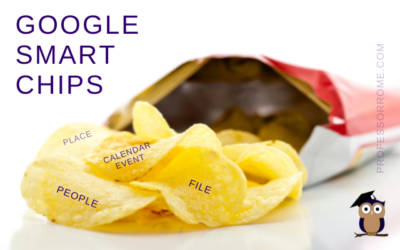
Google Smart Chips
I don't know about you, but the blog thumbnail made me hungry. Can we buy Google Smart Chips? No. Are there any calories in Smart Chips? No. Wait a minute! This better not be clickbait. If you can't buy Google Smart Chips in a store and they don't have any calories,...
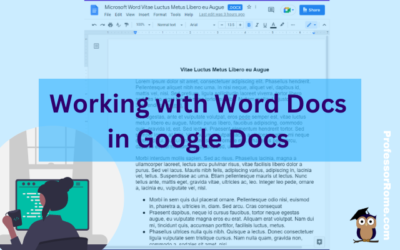
Working with Word Docs in Google Docs
Many companies and organizations are switching from Microsoft Office to Google Workspace. This is causing members of these organizations to panic. "Can you work on Microsoft documents in Google Workspace?" Yes, you can work cross-platform. I'll show you how to open a...
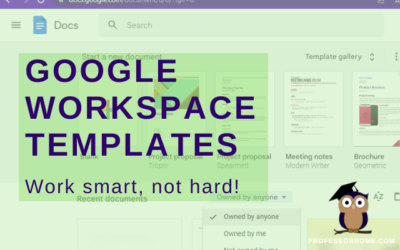
Google Workspace Templates
The word of the day is TEMPLATES. Does your organization have Google Docs, Google Forms, Google Sheets, or Google Slides files that you use over and over again? These files can be business plans, budgets, evaluations, presentations, or surveys just to name a few. They...
Google’s 22 Languages
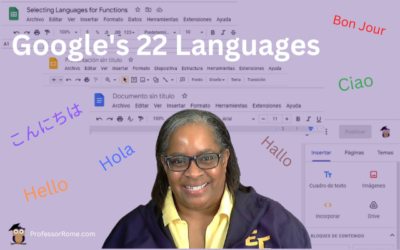
Hola! Bon Jour! Ciao! Hallo! Hello everyone! Did you know that Google Workspace apps support 22 languages? You can easily change your preferred language in Google Sheets or any Google Workspace application. Not only can you use this feature when you are conducting...
Pairing Apple AirPods to Your Chromebook
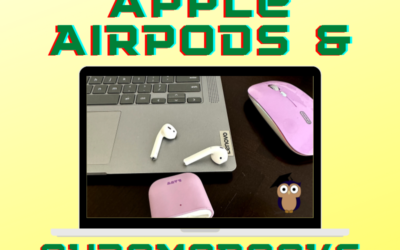
Use your Apple AirPods with your Chromebook to listen to your favorite podcast or music, or connect to a Google Meet or Zoom meeting. Pair your Apple AirPods with your Chromebook in 5 easy steps! Tap or Click Quick SettingsTap or click Settings Steps 1 & 2: Access...

Step into Professor Rome’s Reading Room—your gateway to digital treasures! Explore ebooks that inspire, educate, and empower, all crafted with care to fuel your success. From study hacks to digital skills, there’s a read for every learner. Browse, download, and level up! 📚✨