
Blog, News, & Resources
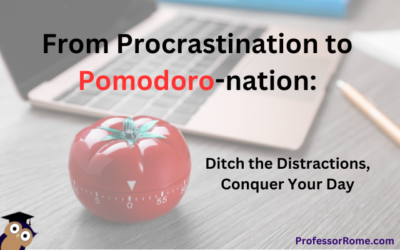
From Procrastination to Pomodoro-nation: Ditch the Distractions, Conquer Your Day
The Pomodoro Technique is a time management method that uses a timer to break work into intervals, typically 25 minutes in length, separated by short breaks. Each interval is known as a pomodoro, named after the tomato-shaped kitchen timer that the technique's...
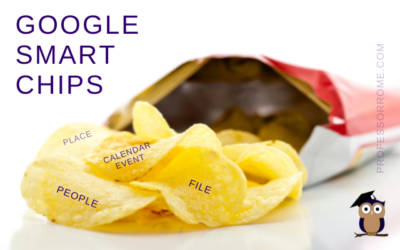
Google Smart Chips
I don't know about you, but the blog thumbnail made me hungry. Can we buy Google Smart Chips? No. Are there any calories in Smart Chips? No. Wait a minute! This better not be clickbait. If you can't buy Google Smart Chips in a store and they don't have any calories,...
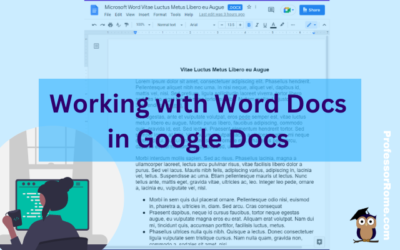
Working with Word Docs in Google Docs
Many companies and organizations are switching from Microsoft Office to Google Workspace. This is causing members of these organizations to panic. "Can you work on Microsoft documents in Google Workspace?" Yes, you can work cross-platform. I'll show you how to open a...
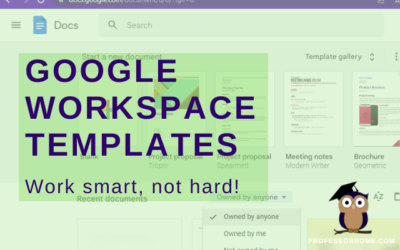
Google Workspace Templates
The word of the day is TEMPLATES. Does your organization have Google Docs, Google Forms, Google Sheets, or Google Slides files that you use over and over again? These files can be business plans, budgets, evaluations, presentations, or surveys just to name a few. They...
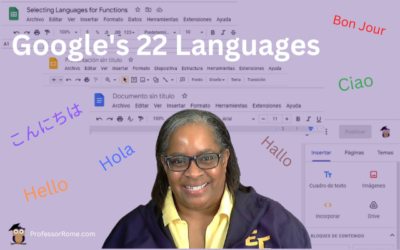
Google’s 22 Languages
Hola! Bon Jour! Ciao! Hallo! Hello everyone! Did you know that Google Workspace apps support 22 languages? You can easily change your preferred language in Google Sheets or any Google Workspace application. Not only can you use this feature when you are conducting...
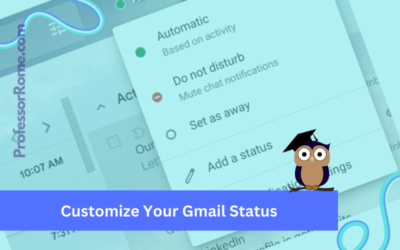
Customize Your Gmail Status
Google Workspace for Business, Education, and Enterprise plans has a customizable status indicator for Gmail and Google Chat. When you open Gmail or Google Chat, the status indicator is automatically set to Active because it is based on your current activity. You can...
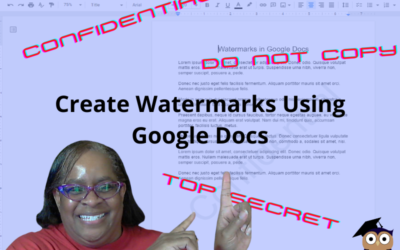
Confidential. Top Secret. Do Not Copy. Watermarks in Google Docs
There are times when you will need to watermark your document. No, creating a watermark is not when you set your favorite icy cold beverage on a stack of your important papers, and a nice, moist ring forms on the top 3 sheets. Watermarks are text or images that appear...
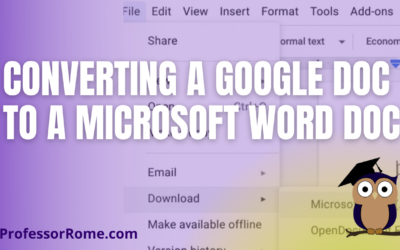
Converting a Google Doc to a Microsoft Word Doc
You're using Google Docs to create newsletters, reports, proposals, meeting notes, brochures, lesson plans, or agendas. There may be a time when you will need to convert these Google Doc documents to Microsoft Word documents. With your Google Doc document open: Click...
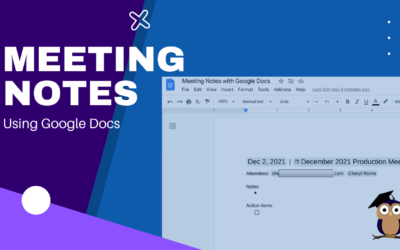
Meeting Notes with Google Docs
It's your turn to take minutes at the next meeting. Google Docs makes this task easier and faster with the Meeting Notes tool. Log into your Google Account.Open Google Calendar and create a new meeting, if necessary. If the meeting was already scheduled and you were...
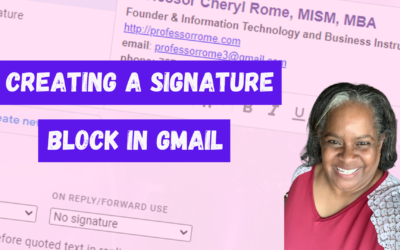
Creating a Signature Block in Gmail
Give your email messages a professional touch by adding a signature block to the bottom of every message. A professional signature block is perfect for show casing your brand and providing contact information. Create a Signature Block Log into your Google account.Open...
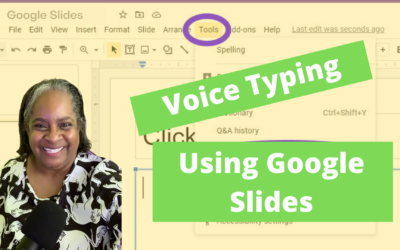
Voice Type Your Google Slides Speaker Notes
It's the last minute before your presentation is due and you didn't type your Speaker Notes AND you forgot that you use the "Hunt and Peck" method of typing! No worries! I have a tool for you. In Google Slides there is a dictation tool called "Voice Type". All you...
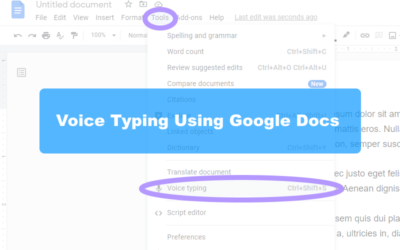
Handsfree Typing with Google Docs
I'll bet you one crispy $1 bill that most people can type as fast as they talk. If you are anything like me, I know I can't type as fast as I talk. Well, I have a tool for you. In Google Docs there is a dictation tool called "Voice Typing". All you need is a...

Step into Professor Rome’s Reading Room—your gateway to digital treasures! Explore ebooks that inspire, educate, and empower, all crafted with care to fuel your success. From study hacks to digital skills, there’s a read for every learner. Browse, download, and level up! 📚✨